Table of Contents
For quite some time I’ve been perfectly fine with the default distro-provided terminal emulator (such as Gnome Terminal or Ptyxis). Never felt the need for anything more complex or shiny, I just needed to run commands and show the output, why complicate things and install more dependencies?
Then, one random day, I decided to try Kitty and it became my default ever since.
What is Kitty?
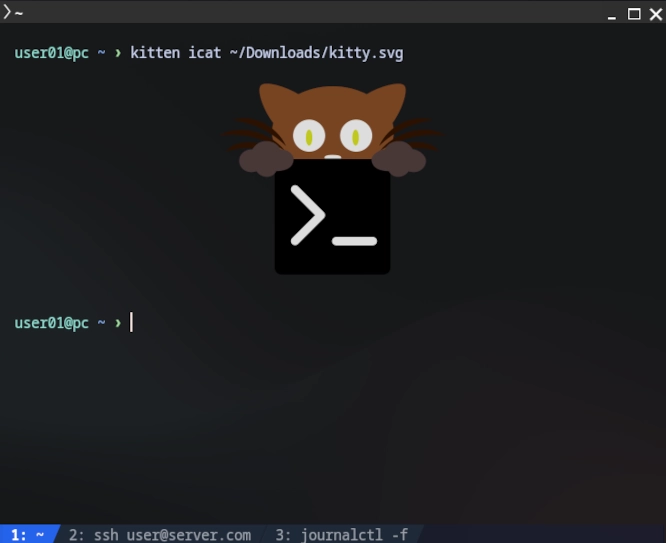
Kitty is a modern, GPU-accelerated terminal emulator.
It provides many features like native window and tab management, high-performance rendering, URL link display, and multiple window layouts (all without needing to install an additional multiplexer like tmux - nothing against tmux though).
Why I Chose Kitty?
- Native Window and Tab Management
- Kitty handles tabs and windows natively.
- I can split windows and manage everything with simple keybindings out-of-the-box - no extra multiplexer required.
- Good Performance
- The GPU acceleration is useful. When scrolling through logs or working with syntax highlighting the responsiveness is appreciated.
- Simple Configuration File
- All of Kitty’s configuration is done in
kitty.conf. - I just configured it once to my liking, saved it to GitHub for reuse on any machine I would like to work from. Easy and straightforward.
- All of Kitty’s configuration is done in
- Modern Features Built-in
- Kitty supports true color, fast rendering, images in the terminal, etc. These aren’t features I thought I needed, but once you have them, going back feels limiting.
When Kitty Isn’t Enough
- Remote Server Work
- Kitty can’t persist sessions across SSH disconnections. When working on remote servers and running long tasks, you still need
tmuxfor session persistence.
- Kitty can’t persist sessions across SSH disconnections. When working on remote servers and running long tasks, you still need
- Complex Persistent Layouts
tmuxis great at saving and restoring complex pane layouts across sessions.- If you need to maintain specific arrangements that persist through reboots and disconnections,
tmuxis the better choice (but doesn’t replace Kitty).
My Setup
On my workstation, I have Kitty as my default terminal with tmux installed.
- Kitty gives me everything I need for local development and workstation use where I’m not running processes that need to survive disconnections.
- I use
tmuxexclusively when I SSH into remote servers or work on my home lab. The session persistence and ability to reconnect after dropped connections is very useful.
Conclusion: Kitty made working directly from the terminal easier and more intuitive. I recommend it personally, but each use case is different.
Anyway, I guess the whole point of this post is to share my ~/.config/kitty/kitty.conf configuration.