Table of Contents
Back from the dead…
For many year, I’ve been doing my diagrams manually (with AI cleanup in the final parts) with Excalidraw, draw.io, and Mermaid, which work perfectly, but takes some time to do and make everything consistent and extensive.
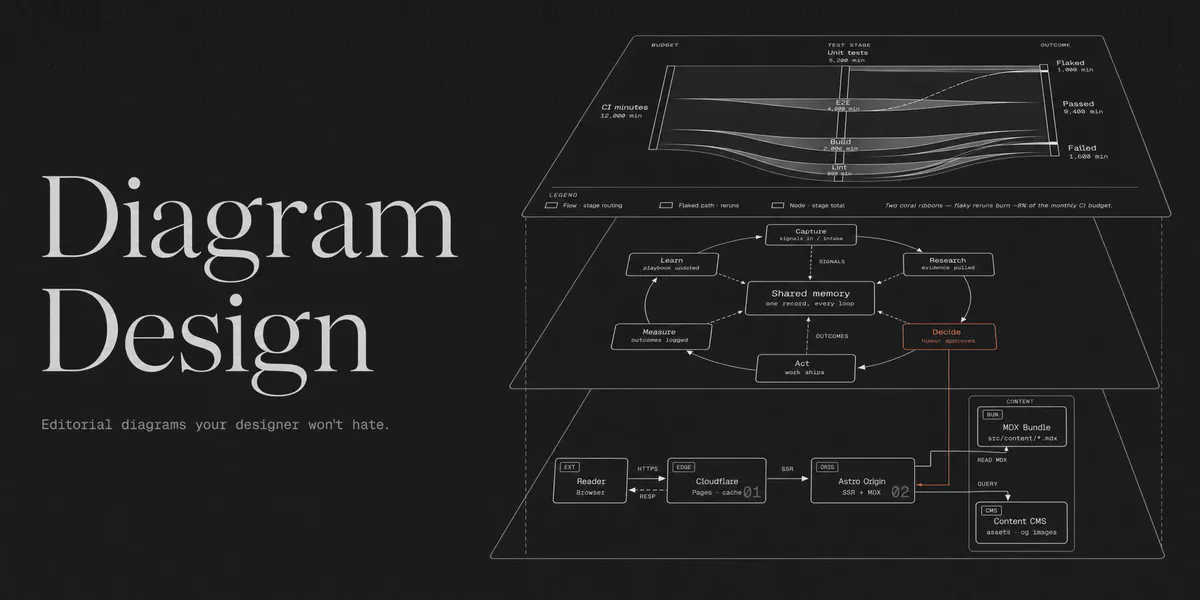
Came across this project when looking at trending GitHub repos Diagram Design, which creates really cool HTML diagrams with AI that are super fast to generate, really accurate, and easy to understand.
What Is It?
Diagram Design is an Agent Skill that is a set of instructions that tells your AI agent how to design diagrams.
The agent reads your request, decides what kind of diagram makes sense or just specify the type of diagram and style to use, and done. It supports 44 diagram types, including architecture diagrams, flowcharts, timelines, sequence diagrams, Gantt charts, etc.
Installing and Using It
Just follow the GitHub repo, or let the AI do it :) (https://github.com/cathrynlavery/diagram-design)
If you’re using Claude Code, Codex, Cursor, or another agent that supports skills, install it with:
npx skills add cathrynlavery/diagram-designSelect your agent and that’s pretty much it.
Now ask your agent to create something. For example:
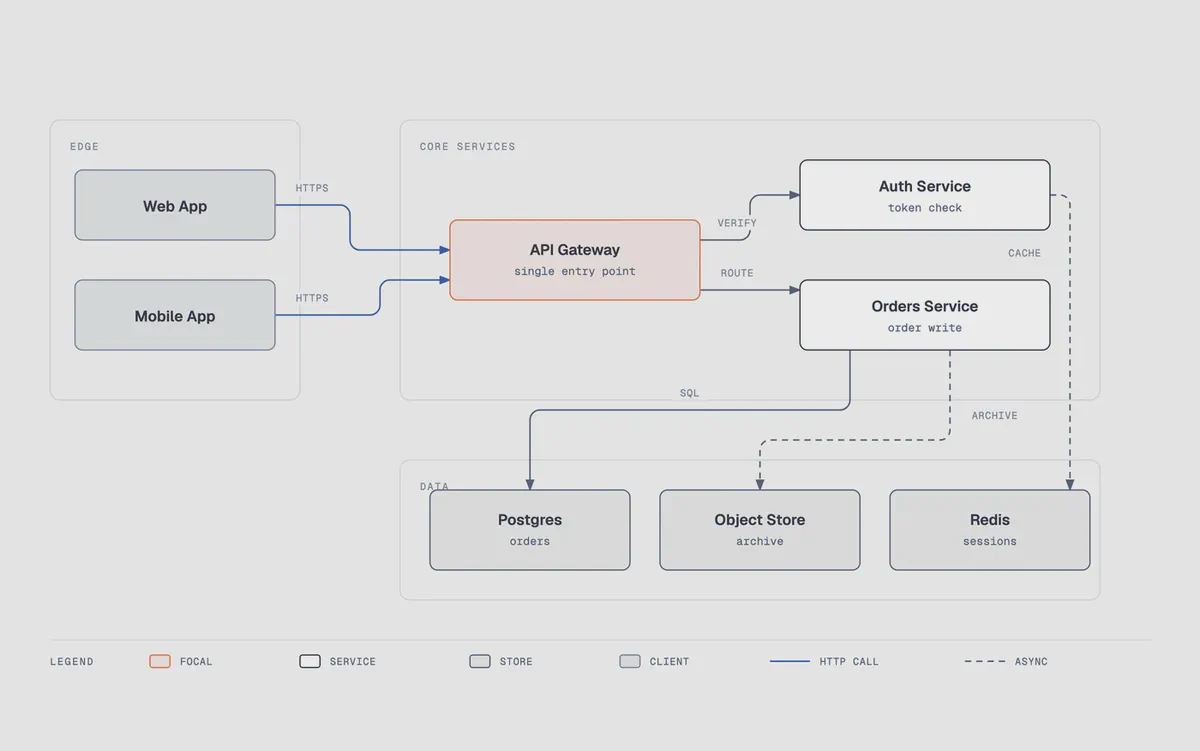
Create an architecture diagram showing a frontend
application connecting to a backend API, PostgreSQL
database, and Redis cache. Use diagram-design.
What I’ve Done

I replaced my existing diagrams with this AI skill redesign. Maybe jumped the gun but I don’t care, it’s easier to understand and faster to generate new ones.
Until now I’ve made the comparison with 50+ diagrams and the new versions look great, no issues until now which is good, in the future AI will become better and so on, so don’t expect any issues either.
The old way is still valid and good if diagrams change frequently, the “cleaned” version would benefit a little bit with the AI redesign though (my humble opinion).
Note however, different use cases demand for different tools, “professional” diagrams would not “fit” with this “redesign”. Better for now for personal projects or small scale teams. I don’t think this is a replacement for draw.io or Mermaid, just another easy to use tool.
Maybe I’ll start adding more diagrams future posts or redesign old ones. Maybe not.